Truly offline
Your backup data is processed locally, and recovery works offline. Your backup is paper you can hold.
Privacy details →Available on Android
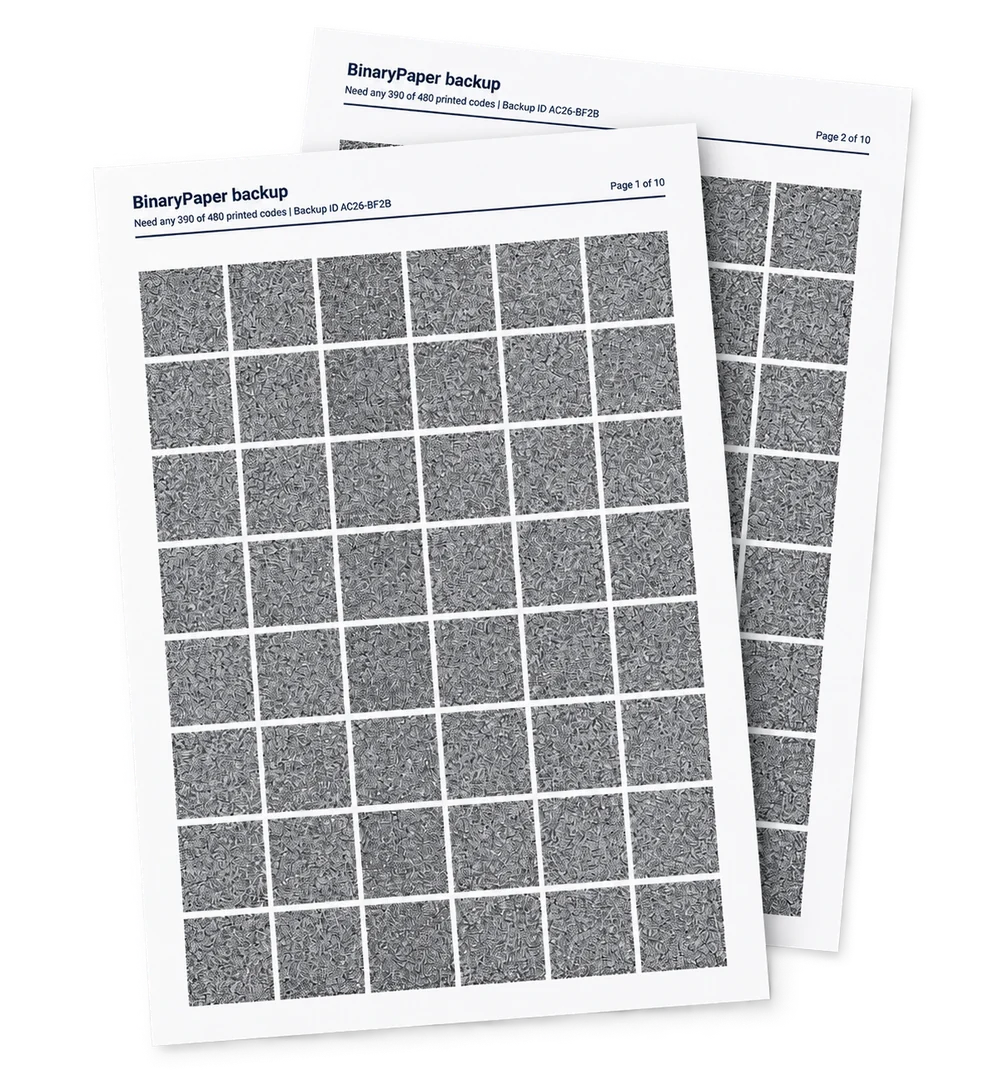
BinaryPaper turns any file into error-corrected pages you can print on plain paper. Keep them in a drawer, a safe, or a book — then recover everything later with your camera.
Local processing. Offline recovery. No lock-in.
How it works
Three steps. The hard part — splitting, error-correcting, and reassembling — happens for you.
Choose your data. BinaryPaper adds repair data and lays it out as printable pages of scannable codes.
Print the pages on any printer with plain paper. Store them anywhere — a binder, a safe, an envelope.
Point your camera at the pages. BinaryPaper reads the codes, uses the printed repair data to cover what is damaged or missing, and rebuilds the original file.
Features
Paper doesn't need power, firmware, or a cloud service in ten years.
Your backup data is processed locally, and recovery works offline. Your backup is paper you can hold.
Privacy details →Every backup includes recovery data, so your files can still be restored even when some printed codes are damaged or missing.
Scan the printed pages with your phone to reconstruct the original file, byte for byte.
Plain black-and-white printing on standard paper. Archive it however you like.
No BinaryPaper build may print a format version until its specification, conformance vectors, and an independent recovery tool are published. Your pages do not depend on us still being here.
See the format and recovery tool on GitHub →The Android app runs the whole loop — choose your content, print the pages, and scan them back when you need them. Desktop apps are on the way.
FAQ
From about 2 KB by default to 170 KB per A4 sheet in one tested setup. The maximum backup size depends on your content, paper, calibration, and reliability settings. BinaryPaper calculates what your setup can support and shows the required page count before you print.
Repair data is spread across the whole backup, not just within a page. Each printed code carries its own QR error correction for stains, folds, and small tears, and the repair data on top of that covers codes lost outright. The summary shows the tolerated loss — how many printed codes can go missing — before you commit the backup to paper.
No. Any black-and-white printer and a phone camera work, on plain paper. Running the built-in density test with your own printer and scanning device can unlock higher capacities. The test requires printing and scanning a calibration document.
Restoring is always free and offline, including backups created with PRO. Free creation supports one file or text note up to 32 KB after compression, with the same encryption, redundancy, Recommended configuration, calibration, and verification as PRO. Lifetime PRO adds larger backups, multiple files and folders, manual controls, extra paper formats, and multiple saved calibration profiles per paper size. Buy it inside the Android app through Google Play, which shows your local price.
Website checkout is not yet available. We are preparing an account-backed lifetime PRO offer, initially for a future account-enabled Android release. The current Android app uses Google Play purchases. Existing Play purchases remain valid on Android; website purchase activation and account-based portability are not available today.
No. The printed format is published with conformance vectors and a recovery tool that is not this app, so anyone can rebuild a BinaryPaper page without us. Recovery stays free and offline, and never requires a purchase or an account — including for backups created with PRO.
Get BinaryPaper
Create, print, and restore on Android. One file or note up to 32 KB after compression is free. Buy lifetime PRO inside the Android app through Google Play; the store shows your local price. Recovery is always free.
Account-backed PRO and website purchases are coming soon. Website checkout is not yet available.
Also coming toWindowsmacOSiOSLinux